

ZenMate 5.2
ZenMate is a VPN based Internet security tool for web browsers
Program info
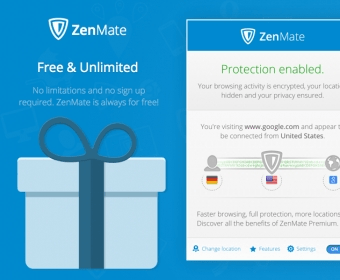
ZenMate is a Windows application designed for people who wish to conceal private info, such as location or IP address, while browsing the web. You can test the program's features for a couple of days without paying a dime. So, you will know exactly what you're getting after making the payment for a subscription plan.
Before using the utility on your PC, you first need to create a personal ZenMate account. You can do that directly from the app's interface, but you need to use your default web browser to validate the account. Once you finish registering, you can start using the app's encryption features.
Simply select the server location (in my testing, I selected a server from Belgium) and the program will immediately secure your Internet connection. You will have access to detailed statistics based on the amount of time you used the app's encryption features.
Unfortunately, according to the opinions of multiple ZenMate users, the company provides you with poor-quality customer support services. To be more exact, there were cases when the support team failed to reply to user tickets or the users received automated emails which recommended them to fix the problems themselves.
Still, ZenMate comes with many advantages and keeps your Internet connection secure. In addition, it gives you access to affordable rates. So, you should give this app a try if you're the type of Windows user who needs to browse the web anonymously.
Pros
- Immediately connects to the selected servers
- Lets you choose between multiple server locations
- Uses minimum CPU resources
- Provides you with a complete report
Cons
- Poor-quality customer support service
Details
Extensions

No information available
The data will be available later.


Comments